Shopify Orders to Google Sheets – Simplifying Store Data Management for Smarter Business Growth
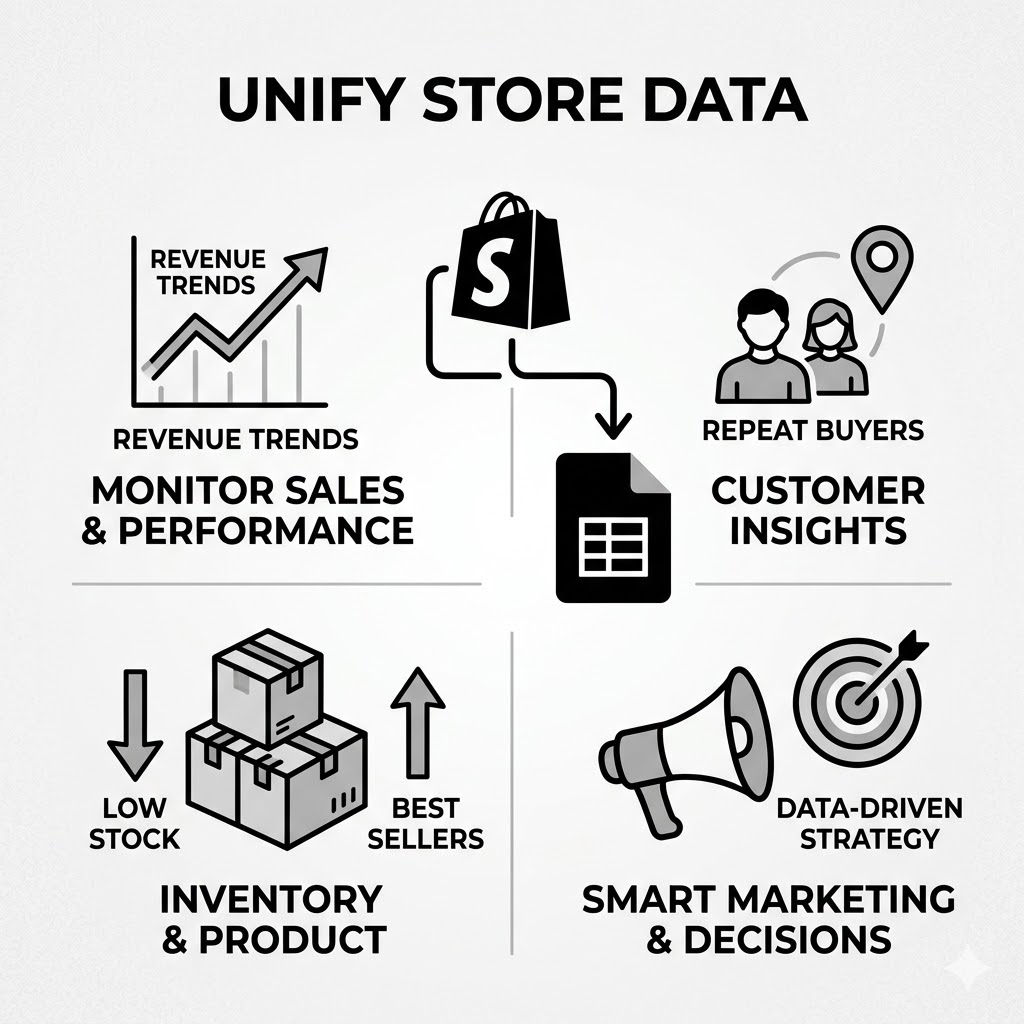
Managing an online store becomes more challenging as orders start increasing. At first, checking orders manually inside Shopify may feel manageable, but as your business grows, tracking everything becomes difficult. You need a faster and more organized way to monitor sales, customers, inventory, and performance.
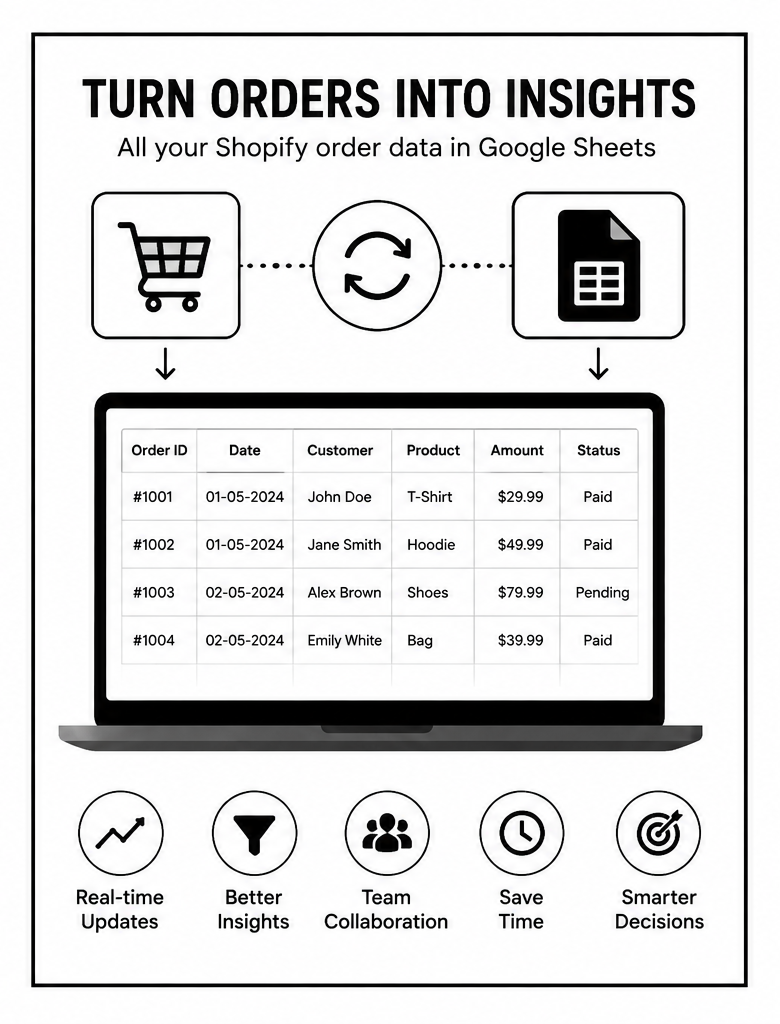
This is why many store owners move their Shopify orders to Google Sheets.
It creates a simple yet powerful system where all order information is organized in one place, making reporting, tracking, and analysis much easier. Instead of constantly switching between dashboards, you get a flexible spreadsheet that helps you understand your business clearly and make faster decisions.
For store owners, marketers, and operations teams, this approach turns raw order data into a practical business management system.
Why Store Owners Export Shopify Orders to Google Sheets
Shopify already stores order information, but spreadsheets offer something extra: flexibility.
Google Sheets allows businesses to:
- Organize data their own way
- Create custom reports
- Share live information with teams
- Analyze sales trends easily
- Track business growth over time
The biggest advantage is simplicity.
Most people already know how spreadsheets work, so there is no technical learning curve.
What Order Data Can Be Managed in Google Sheets?
When Shopify orders are transferred into Google Sheets, businesses can organize valuable information such as:
- Order IDs
- Customer names
- Product details
- Order values
- Payment status
- Shipping information
- Purchase dates
- Discounts applied
This transforms scattered order activity into structured data that is easy to search, filter, and analyze.
The Growing Need for Organized Data
As stores scale, the number of daily orders increases rapidly.
Without organized reporting:
- Tracking revenue becomes difficult
- Refund management becomes confusing
- Inventory planning becomes inaccurate
- Customer service slows down
A spreadsheet-based workflow solves these issues by creating a centralized system for order tracking.
Real-Time Visibility for Better Decisions
One of the biggest benefits of syncing Shopify orders with Google Sheets is visibility.
Instead of manually checking orders one by one, you can instantly see:
- Daily sales performance
- Number of new orders
- Best-selling products
- Pending shipments
- Customer purchasing trends
This helps businesses react quickly.
For example:
- If a product suddenly spikes in sales, inventory can be restocked immediately
- If refunds increase, the issue can be investigated faster
Real-time visibility leads to faster and smarter decision-making.
Easy Reporting Without Technical Skills
Many store owners are not developers or data analysts. They need a system that is easy to use.
Google Sheets works well because:
- It has a familiar interface
- Data can be filtered with simple clicks
- Reports can be created visually
- Teams can collaborate easily
This makes advanced order analysis accessible even for non-technical users.
Better Sales Tracking and Performance Analysis
Tracking sales manually can quickly become overwhelming.
With organized spreadsheet reporting, businesses can:
- Monitor revenue daily, weekly, or monthly
- Compare sales periods
- Track average order value
- Measure growth trends
This provides a much clearer understanding of store performance.
For example:
- You may discover weekends generate more sales than weekdays
- Certain products may perform better during seasonal periods
These insights help improve marketing and inventory planning.
Simplifying Customer Management
Orders are directly connected to customers.
When order data is organized in spreadsheets, businesses can identify:
- Repeat customers
- High-value buyers
- Frequent purchasers
- Customer locations
This information is extremely useful for personalized marketing.
For example:
- Loyal customers can receive exclusive discounts
- Repeat buyers can get early access to new products
- Specific locations can be targeted with promotions
Instead of treating all customers the same, businesses can create smarter engagement strategies.
Inventory and Product Monitoring
Google Sheets also helps with inventory awareness.
By analyzing order trends, businesses can identify:
- Fast-selling products
- Slow-moving inventory
- Stock shortages
- Product demand patterns
This reduces the risk of:
- Overselling
- Running out of stock
- Overstocking weak products
Inventory decisions become more data-driven and efficient.
Improved Team Collaboration
Another major advantage is collaboration.
Google Sheets allows multiple team members to access the same live data.
This means:
- Sales teams can monitor performance
- Customer support teams can check order details
- Managers can review reports instantly
Everyone works from the same information, reducing confusion and improving workflow efficiency.
Custom Reporting for Different Business Needs
Every store operates differently.
Some businesses focus on:
- Revenue growth
- Customer retention
- Inventory management
- Marketing performance
Google Sheets allows complete customization of reports based on business priorities.
For example:
- A fashion store may track size-wise product demand
- A subscription business may track recurring orders
- A wholesale store may analyze bulk purchases
This flexibility makes spreadsheets extremely powerful.
Identifying Trends and Opportunities
One of the biggest advantages of spreadsheet-based reporting is trend discovery.
Businesses can easily identify:
- Seasonal buying behavior
- Top-performing products
- Declining sales categories
- Customer purchasing patterns
For example:
- A product may sell heavily during festivals
- A category may consistently underperform
This helps businesses:
- Plan promotions better
- Optimize product listings
- Improve marketing campaigns
Reducing Manual Work and Errors
Manual order tracking is time-consuming and error-prone.
As order volume increases:
- Human mistakes increase
- Reporting becomes inconsistent
- Important information gets missed
Using organized spreadsheet workflows reduces:
- Duplicate entries
- Missing records
- Calculation mistakes
This improves accuracy and saves valuable time.
Data-Driven Marketing Strategies
Marketing becomes far more effective when connected to order data.
Businesses can analyze:
- Which products generate repeat purchases
- Which customers spend the most
- Which sales channels perform best
This allows better targeting and budget allocation.
For example:
- High-performing products can receive more advertising
- Repeat customers can receive loyalty campaigns
- Low-performing categories can be repositioned
Marketing decisions become strategic instead of random.
Financial Clarity and Business Planning
Revenue tracking is essential for long-term growth.
By organizing Shopify orders into Google Sheets, businesses gain:
- Clear revenue tracking
- Expense comparison opportunities
- Profitability insights
- Forecasting capabilities
This helps with:
- Budget planning
- Growth projections
- Financial reporting
Store owners gain a much clearer understanding of their business health.
Why Simplicity Wins
One reason spreadsheets remain popular is because they balance power with simplicity.
Unlike complicated systems, Google Sheets is:
- Easy to access
- Easy to update
- Easy to understand
Even small businesses with limited technical knowledge can create professional-level reporting systems.
That accessibility is what makes it so effective.
Common Mistakes Businesses Should Avoid
While using spreadsheets for Shopify order management is powerful, there are common mistakes to avoid.
1. Tracking Too Much Data
Too much information can create confusion.
Focus on key metrics that matter most.
2. Not Updating Reports Regularly
Old data leads to poor decisions.
Consistency is important.
3. Ignoring Data Trends
Simply collecting information is not enough—businesses must analyze patterns.
4. Poor Organization
Messy spreadsheets reduce efficiency and accuracy.
The Future of Store Reporting
As e-commerce grows, businesses are becoming increasingly data-focused.
Future reporting systems will become:
- Faster
- More automated
- More intelligent
- More personalized
But even with advanced systems, spreadsheets will continue to remain valuable because of their flexibility and accessibility.
For many businesses, they serve as the bridge between raw data and smart decision-making.
Final Thoughts
Moving Shopify orders to Google Sheets is more than just organizing data—it is about creating clarity, improving efficiency, and making smarter business decisions.
It gives store owners:
- Better visibility into operations
- Easier reporting and analysis
- Faster access to insights
- Improved collaboration and planning
Most importantly, it helps businesses stop relying on guesswork.
Because in modern e-commerce, growth is not driven only by products or marketing—it is driven by understanding your data and using it wisely.