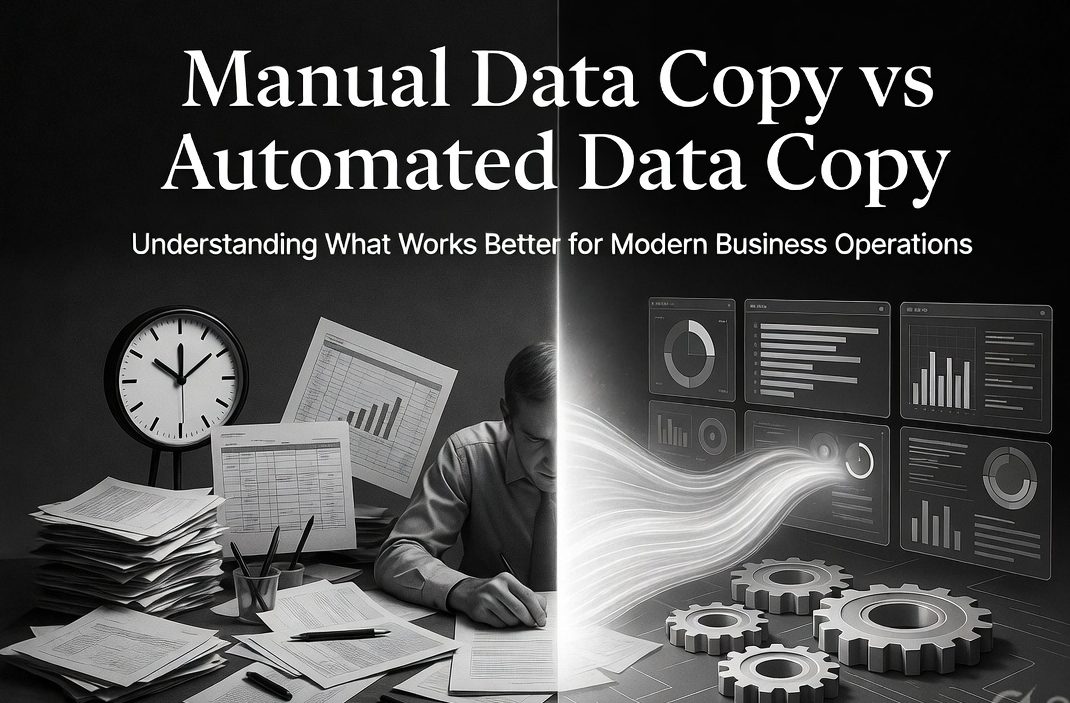
Manual Data Copy vs Automated Data Copy: Understanding What Works Better for Modern Business Operations
In today’s digital business environment, data is one of the most valuable assets for growth, decision-making, and operational efficiency. Every transaction, customer interaction, product update, and performance metric generates important information that businesses rely on to improve strategies and maintain competitiveness. However, the true value of data depends not only on its availability but also on how efficiently it is handled.
One of the most common operational challenges businesses face is deciding between manual data copy and automated data copy. While manual processes may seem simple and familiar, they often create limitations as businesses grow. On the other hand, automation offers speed, consistency, and scalability that modern operations require.
Understanding the difference between these two approaches is essential for businesses that want to improve productivity, reduce errors, and make smarter decisions. This article explores both methods in detail and explains which one provides better long-term value.
Understanding Manual Data Copy
Manual data copy refers to the traditional process of transferring information by hand from one system to another. This usually involves exporting files, copying details into spreadsheets, updating records manually, and organizing information without automation.
For example, a business owner may:
- Export order details manually
- Copy customer information into reports
- Update inventory records by hand
- Prepare sales reports using spreadsheets
At first, this method may appear manageable, especially for small operations with limited data volume.
However, as the business grows, the disadvantages of manual handling become more visible.
Understanding Automated Data Copy
Automated data copy refers to the process where data is transferred, updated, and organized automatically without repetitive manual intervention. Instead of copying information step by step, systems ensure that data flows continuously and remains updated in real time.
This allows businesses to:
- Access updated information instantly
- Reduce repetitive work
- Maintain consistency across operations
- Improve reporting accuracy
Automation transforms data handling from a repetitive task into an efficient business process.
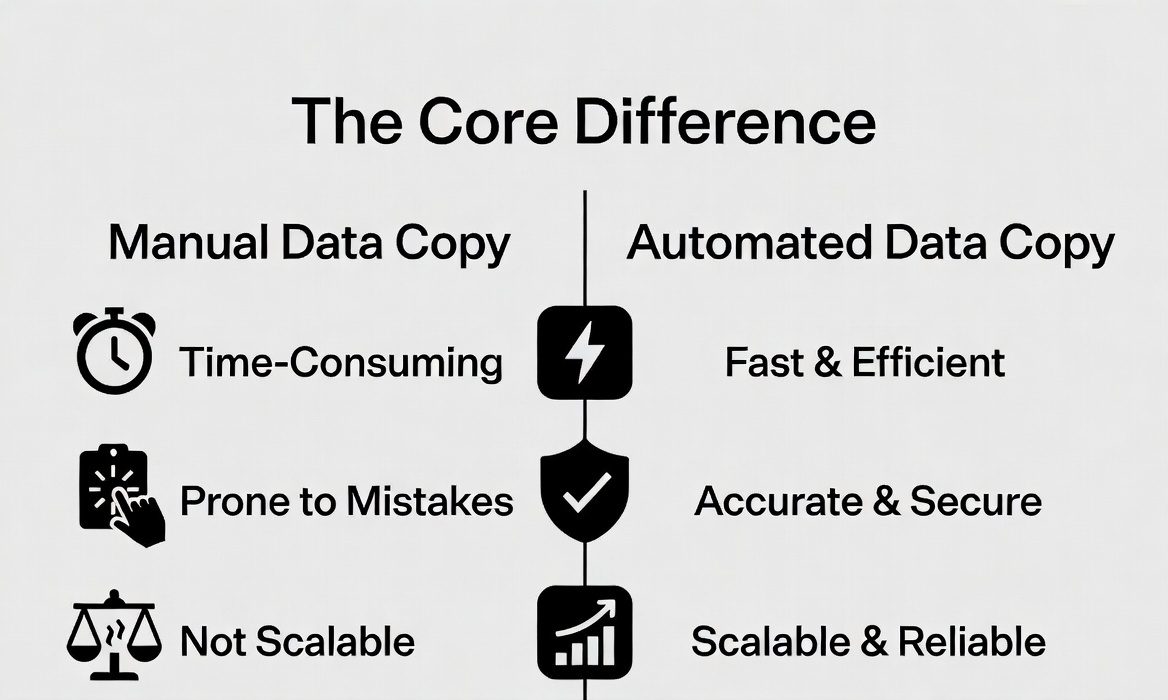
The Core Difference Between Manual and Automated Data Copy
The biggest difference lies in effort and efficiency.
Manual data copy depends on:
Human effort
Time-consuming processes
Repeated actions
High chances of inconsistency
Automated data copy depends on:
System-driven workflows
Continuous updates
Minimal manual effort
Improved speed and accuracy
This difference directly affects how businesses operate on a daily basis.
Time Efficiency: Which Saves More Time?
Time is one of the most valuable resources in business.
Manual Data Copy
Manual processes require repeated effort:
- Exporting reports
- Cleaning spreadsheets
- Rearranging columns
- Updating data regularly
These tasks consume hours every week, especially when data volume increases.
Automated Data Copy
Automation removes these repetitive steps:
- Data updates automatically
- Reports are prepared faster
- Information is instantly available
Businesses save significant time, allowing teams to focus on strategic work instead of operational tasks.
In terms of time efficiency, automation clearly offers a stronger advantage.
Accuracy and Error Reduction
Accuracy is critical because poor data leads to poor decisions.
Manual Data Copy
Manual handling increases the risk of:
- Copy-paste mistakes
- Missing entries
- Formatting inconsistencies
- Incorrect reporting
Even small errors can affect sales tracking, customer records, and financial decisions.
Automated Data Copy
Automation improves consistency by:
- Reducing human intervention
- Maintaining structured formatting
- Ensuring reliable updates
This creates more trustworthy data and stronger decision-making.
When accuracy matters, automation performs better.
Scalability for Growing Businesses
What works for a small business may fail as operations expand.
Manual Data Copy
As data grows:
- Workload increases rapidly
- Managing information becomes difficult
- Delays become common
- Operational pressure rises
Manual systems often break under scale.
Automated Data Copy
Automation handles larger datasets efficiently:
- No major increase in effort
- Consistent performance at every stage
- Faster adaptation to business growth
For scalability, automated systems are the clear long-term solution.
Decision-Making Speed
Business success often depends on how quickly decisions are made.
Manual Data Copy
Because reports take time to prepare:
- Decisions are delayed
- Data may become outdated
- Opportunities may be missed
This creates slow response times.
Automated Data Copy
With instant access to updated information:
- Decisions happen faster
- Businesses respond quickly to trends
- Strategy adjustments become easier
Faster decision-making gives automation a major competitive advantage.
Cost Consideration
Many businesses assume manual work saves money because it avoids system investment. However, hidden costs often make it more expensive over time.
Manual Data Copy
Hidden costs include:
- Employee time
- Productivity loss
- Error correction
- Delayed actions
These costs grow continuously.
Automated Data Copy
Although automation may require setup investment, it reduces:
- Long-term labor costs
- Operational inefficiency
- Risk-related expenses
Over time, automation often becomes more cost-effective.
Employee Productivity and Focus
Employees should focus on growth, not repetitive tasks.
Manual Data Copy
Teams spend time on:
- Updating files
- Checking reports
- Managing routine data work
This limits innovation and productivity.
Automated Data Copy
Teams can focus on:
- Strategy
- Customer experience
- Business development
- Revenue growth
Automation improves not just efficiency, but overall business performance.
Accessibility for Non-Technical Users
Ease of use is important, especially for business owners and marketers.
Manual Data Copy
Manual systems may feel familiar, but:
- They become complex over time
- Large datasets create confusion
- Tracking becomes difficult
Automated Data Copy
Modern automation creates:
- Simplified workflows
- Clear reporting structures
- Easier access to insights
Users gain more control without needing technical expertise.
This makes automation more practical for everyday use.
Real-Time Visibility
Modern business decisions require real-time awareness.
Manual Data Copy
Data is often outdated because:
- Reports are created later
- Updates happen manually
- Business activity changes faster than reporting
Automated Data Copy
Automation provides:
- Live updates
- Real-time reporting
- Immediate visibility into performance
This supports faster and more confident decision-making.
Customer Experience Impact
Better internal operations improve customer satisfaction.
Manual Data Copy
Delays in:
- Inventory updates
- Order tracking
- Customer information
can create customer frustration.
Automated Data Copy
Faster and accurate systems improve:
- Customer service
- Order management
- Product availability visibility
This strengthens trust and retention.
Business Intelligence and Strategic Planning
Data should guide business growth.
Manual Data Copy
Manual systems often focus only on record-keeping rather than strategic analysis.
Automated Data Copy
Automation supports:
- Trend identification
- Performance forecasting
- Revenue planning
- Growth strategy development
It transforms data from passive information into active business intelligence.
Risk Management
Operational risks increase when systems are unreliable.
Manual Data Copy
Risks include:
- Human mistakes
- Lost information
- Delayed reporting
- Inconsistent records
Automated Data Copy
Automation reduces these risks through:
- Standardized processes
- Reliable updates
- Better data control
This improves business stability.
When Manual Data Copy Still Makes Sense
Although automation is stronger overall, manual methods may still work in specific cases:
- Very small businesses with limited data
- Short-term reporting needs
- One-time data handling tasks
- Early-stage operations with simple workflows
However, manual systems should be viewed as temporary, not long-term solutions.
Why Businesses Eventually Move Toward Automation
Most businesses start manually because it feels simple. But growth creates complexity.
Eventually, businesses realize:
Manual work slows progress
Data handling consumes too much time
Errors create unnecessary problems
Better systems are needed for scaling
This is where automation becomes not just helpful, but necessary.

Final Perspective
The comparison between manual data copy and automated data copy is not simply about technology—it is about business efficiency, growth, and sustainability.
Manual processes may work in the beginning, but they often become a barrier as operations expand. They consume time, increase errors, and slow down decision-making.
Automated data copy offers a stronger foundation by improving speed, accuracy, scalability, and productivity. It allows businesses to move beyond repetitive work and focus on what truly drives growth.
In Essence
Manual data copy creates effort.
Automated data copy creates efficiency.
Manual systems manage records.
Automated systems support decisions.
For modern businesses aiming for long-term success, automation is not just the better option—it is the smarter one. It transforms data from a daily task into a strategic advantage that drives performance, growth, and competitive strength.